Best Recording
Ranked by community votes
· Updated in real-time
Rankings factor in vote confidence: an entity with more votes may outrank one with a higher score but fewer votes.
–
D
Daisy
One private voice workspace for Mac
8
–
W
Woise
AI Voice & Screen Recording Tool for Websites
8
–
O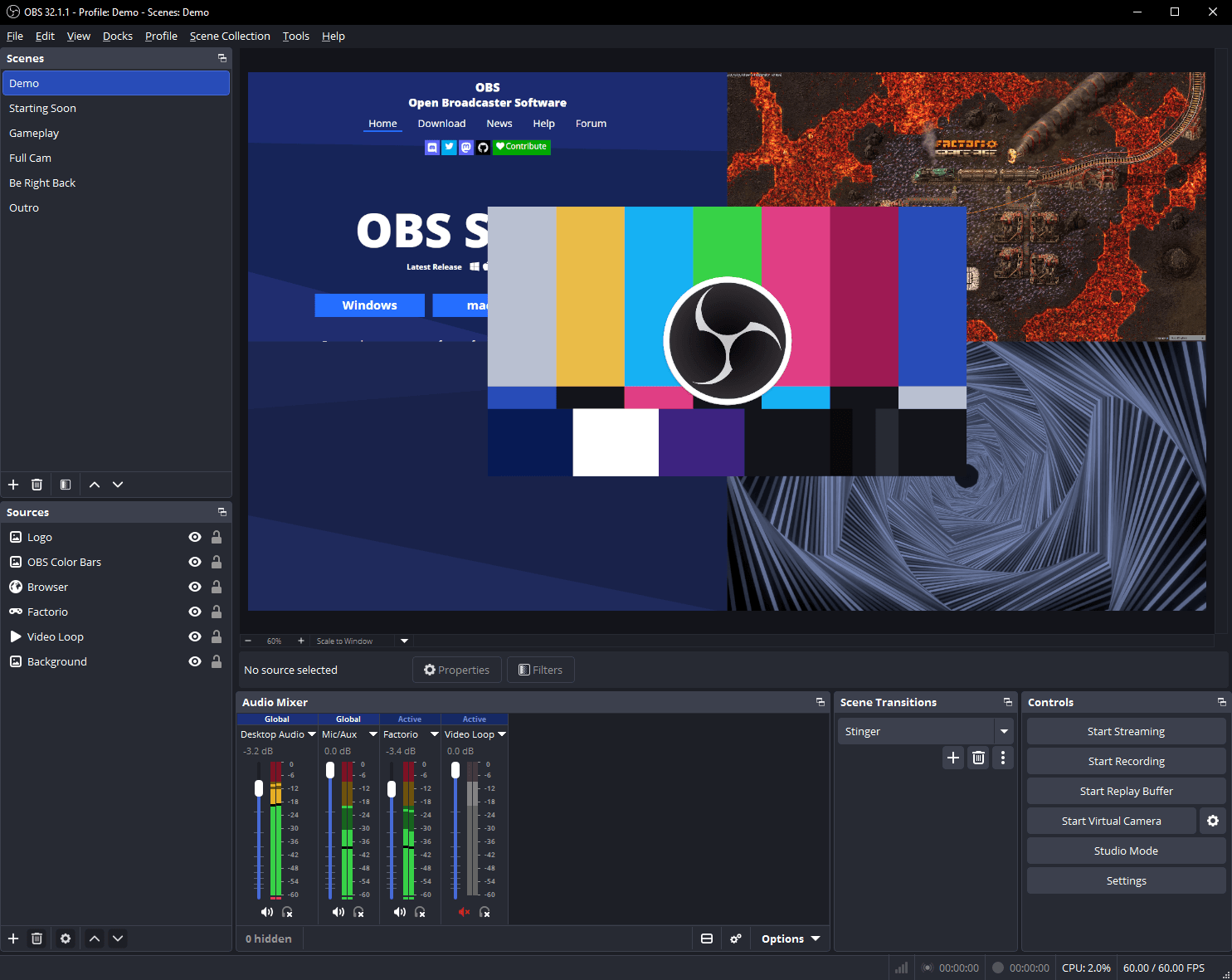
OBS Studio
Free and open-source video recording and live streaming software
–
X
XSplit Broadcaster
Live streaming and recording software for gamers and content creators
–
O
Oxford English Dictionary
The OED is the definitive record of the English language, featuring 600,000 words, 3 million quotations, and over 1,000 years of English
–
S
Simply Deep
The official website for Grammy Award winning recording artist Kelly Rowland
–
A
Advances in Photochemistry
International peer-reviewed journal on photochemistry research
–
R
RecordMeeting
Record and transcribe your Google Meet meetings with one click
–
T
TryCase
TryCase gives LLMs disposable environments to run apps, verify changes, and return screenshots, recordings, logs, and artifacts
–
S
ShotLab - Screenshot Editor Tool
Make your screenshots stand out with stunning backgrounds, frames, cool stickers, emojis, and more
–
A
Animdock
Procedural motion templates that render live in your browser
–
S
Slimsnap
Turn any screenshot into JSON your CLI agent can read.
–
T
Trekme.pro
A verified, week-by-week record of what you've built with, and at what depth — yours to keep no matter where you work
–
S
Slideshot
Turn product flows into polished launch demo videos without recording or editing by hand.
–
K
Knooth
Screen recording with AI-powered editing for Mac
–
F
FocuSee
You just focus on screen recording. FocuSee automatically adds pan and zoom effects, a nice background, and generates a professional-looking video rea
–
S
Shotwell
The screenshot tool your iPhone deserves. Wrap screenshots in pixel-perfect device frames, add backgrounds and shadows, and export in seconds. Like Cl
–
B
Bezel Mirror any iPhone on your Mac
The best way to display and record any iPhone, iPad, and Apple TV.
–
T
Trupeer AI
Creating stunning Product videos & Step by Step documentation for any product in minutes. Start with Screen recording and let AI handle the editing fo
–
C
Create Studio-Quality Screen Recordings
Screentell is a screen recorder and video editor for creating product demos and tutorials. Turn plain screen recordings into studio-quality videos.
–
F
Flight Follower
Free real-time flight tracker for iOS. Identify aircraft overhead with Siri, view live flight status, and track planes with native widgets.
–
S
SkreenPro
Capture screenshots, annotate with powerful tools, and share instantly. Beautiful, free, and open source.
–
K
Kuulto
Free apps for developers and content creators. From screen recording to reverse proxy tunnels — built with passion, shared freely.
–
W
WebsiteScreenshot
Use a free website screenshot tool to capture webpages as PNG, JPG, or PDF and record scrolling website videos online
–
B
BRCKS
BRCKS keeps your team in WhatsApp and turns chats into a project record — variations signed off, photos filed, decisions dated
–
V
Voice to post
Record a voice note or paste raw ideas
–
O
Ocho
Record messy thoughts fast
–
M
MeetingDebrief
Record, transcribe, and summarize your meetings with on-device AI
–
T
The Begrudgingly Grateful Dispatch Terminal
A strange little terminal for transmissions, ritual card draws, and mirror reflections
–
A
Aeterna
Record your voice, wisdom, and memories so your family can hear you for generations
–
M
ManualWizard
Record your workflow once and instantly get a structured, step-by-step manual you can share with your team
–
L
Legatry | Members Only Social Space
Record voices
–
P
PlayLog
PlayLog captures screen recordings, console errors, network requests, and AI summaries in every bug report
–
D
DreamAM
Engineered to record your dreams at 3AM
–
S
Sports Veritas
Sports-Veritas covers championship achievements in practitioner sports within the IOC-recognised family
–
N
NarrateAI
NarrateAI analyzes your video frame by frame, writes the script, adds natural voiceover, and generates documentation — so you never have to record your voice again
–
L
LOOPSELFIE
LoopSelfie — record a 5-second webcam loop and post it live
–
S
Safhire.ai
AI-powered platform that helps you screen resumes 4x faster, uncover hidden gems, and close positions in record time
Frequently Asked Questions
What is the best recording in 2026?▾
Rankings for Recording are based on community votes. No entity has received enough votes yet (minimum 2) to be officially ranked. Check back as more ratings are submitted.
How are recording ranked on Peakd?▾
Peakd ranks recording using trust-weighted community votes. Each user rates on a 1-10 scale, and votes are weighted by the user's trust score (based on account age, consistency, and verification). Rankings cannot be bought or manipulated by companies. An entity needs at least 2 votes to receive an official rank position.
How to choose the best recording?▾
Look at the overall community score, read discussions, and compare specific aspects like value, performance, and ease of use. You can also use the head-to-head comparison feature to see two options side by side.
What are the most popular recording?▾
Check the rankings above to see the most popular recording rated by the community. Not enough entities have received sufficient votes to compile a definitive top 3 yet.
Are Peakd recording rankings trustworthy?▾
Yes. Peakd uses trust-weighted voting to prevent manipulation. Rankings are based purely on community opinion — companies cannot pay for a higher position. All methodology is transparent.